Save articles in other languages and read them translated. Offline translation powered by Apple.
Powered by Apple technology
Use the Share menu on iOS, iPadOS, or macOS to save articles directly to LaterRead from Safari, Chrome, or any other browser. No friction.
Open any article in your favorite browser.
Tap Share in the browser toolbar.
Choose LaterRead and the article will be saved automatically.
Save an article on your iPhone, iPad, or Mac and read it across all your Apple devices. The service processes the article and syncs the cleaned content automatically.
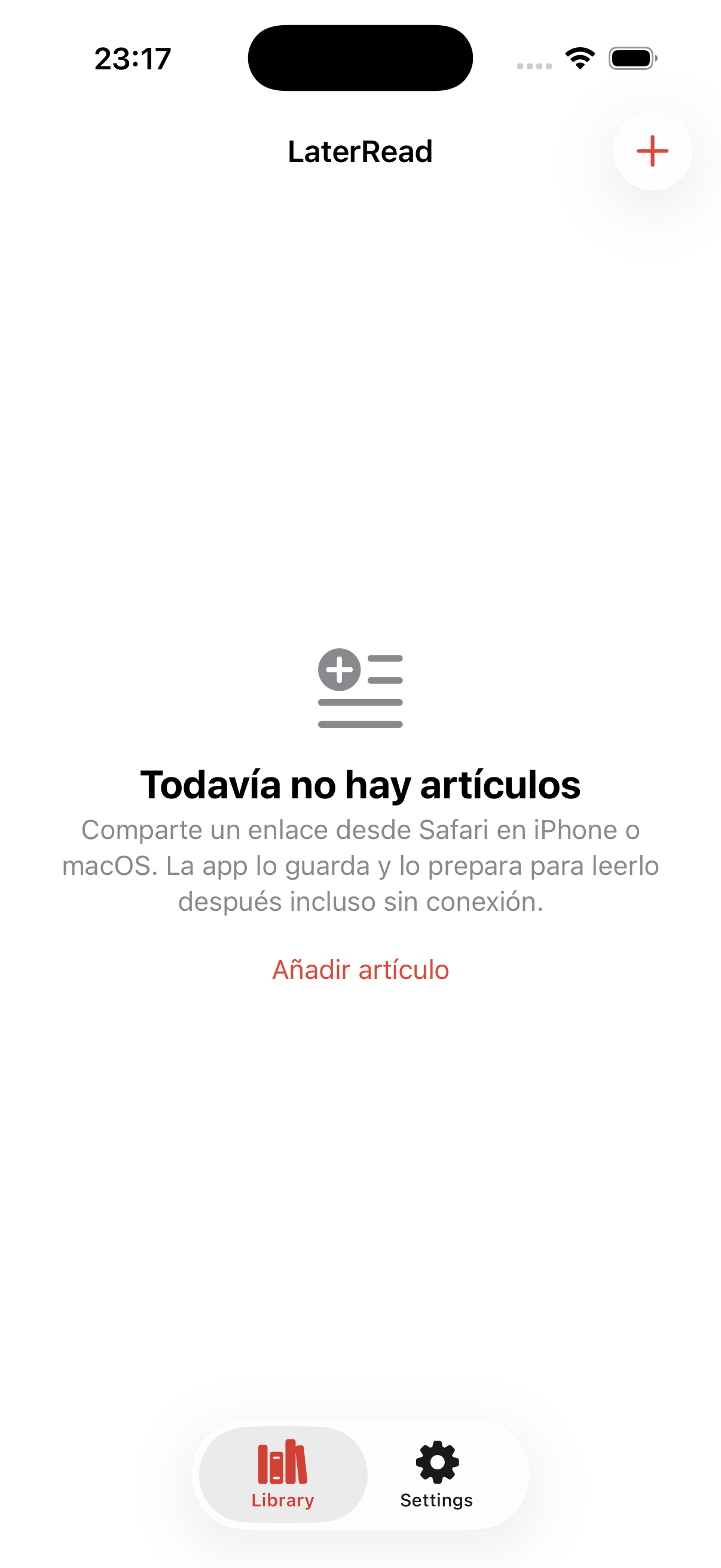
Add articles from any Apple device.
The service cleans and syncs the updated content almost immediately.
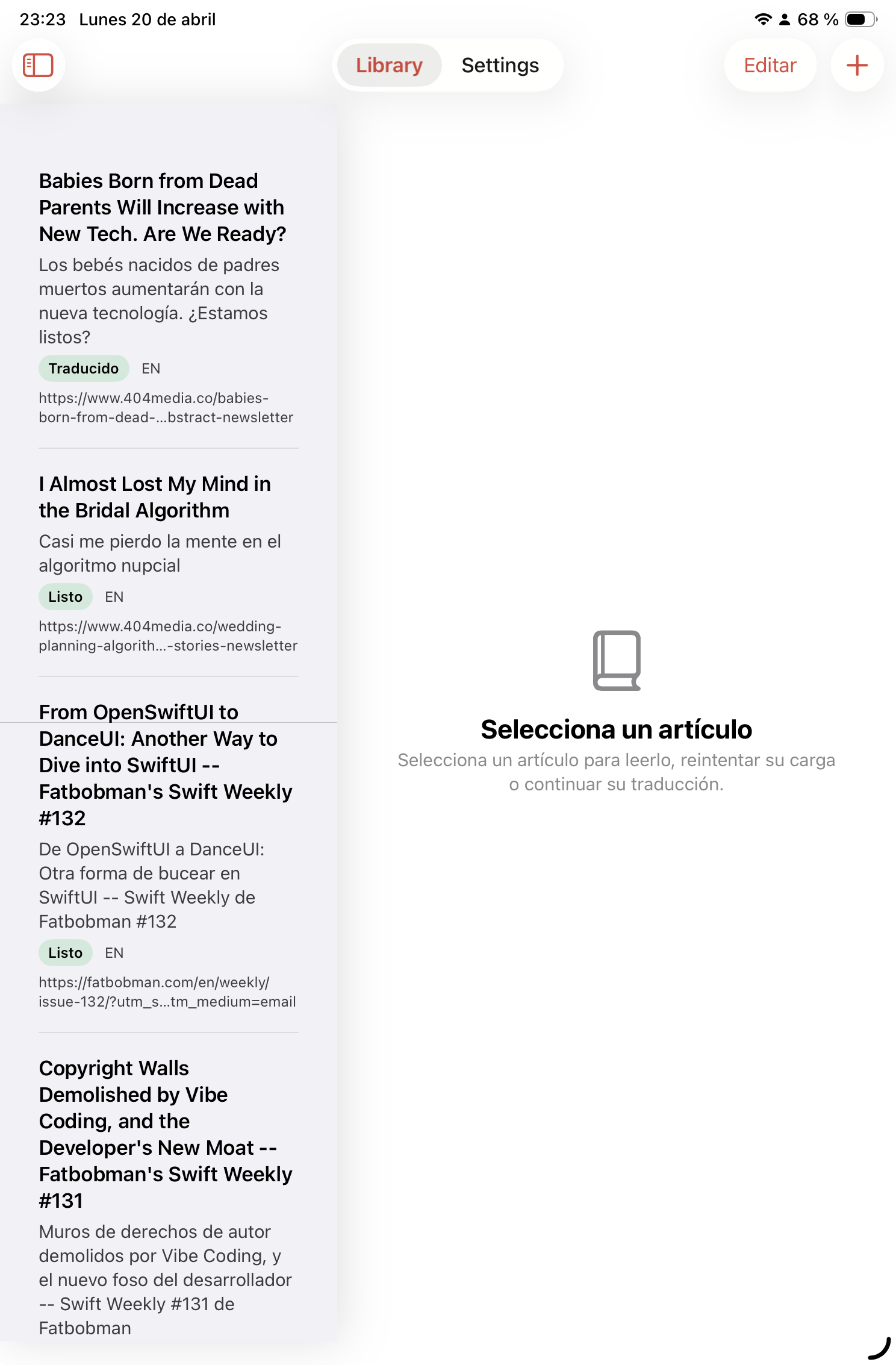
Continue reading on iPhone, iPad, or Mac.
A polished experience on every screen: save, translate and read without distractions.
Built to help you read articles in any language, with offline translation and sync across devices.
Uses Apple translation technology directly on device. The language model downloads once and works offline.
The extraction pipeline cleans articles so they stay readable across iPhone, iPad, and Mac.
No accounts and no embedded analytics SDKs.
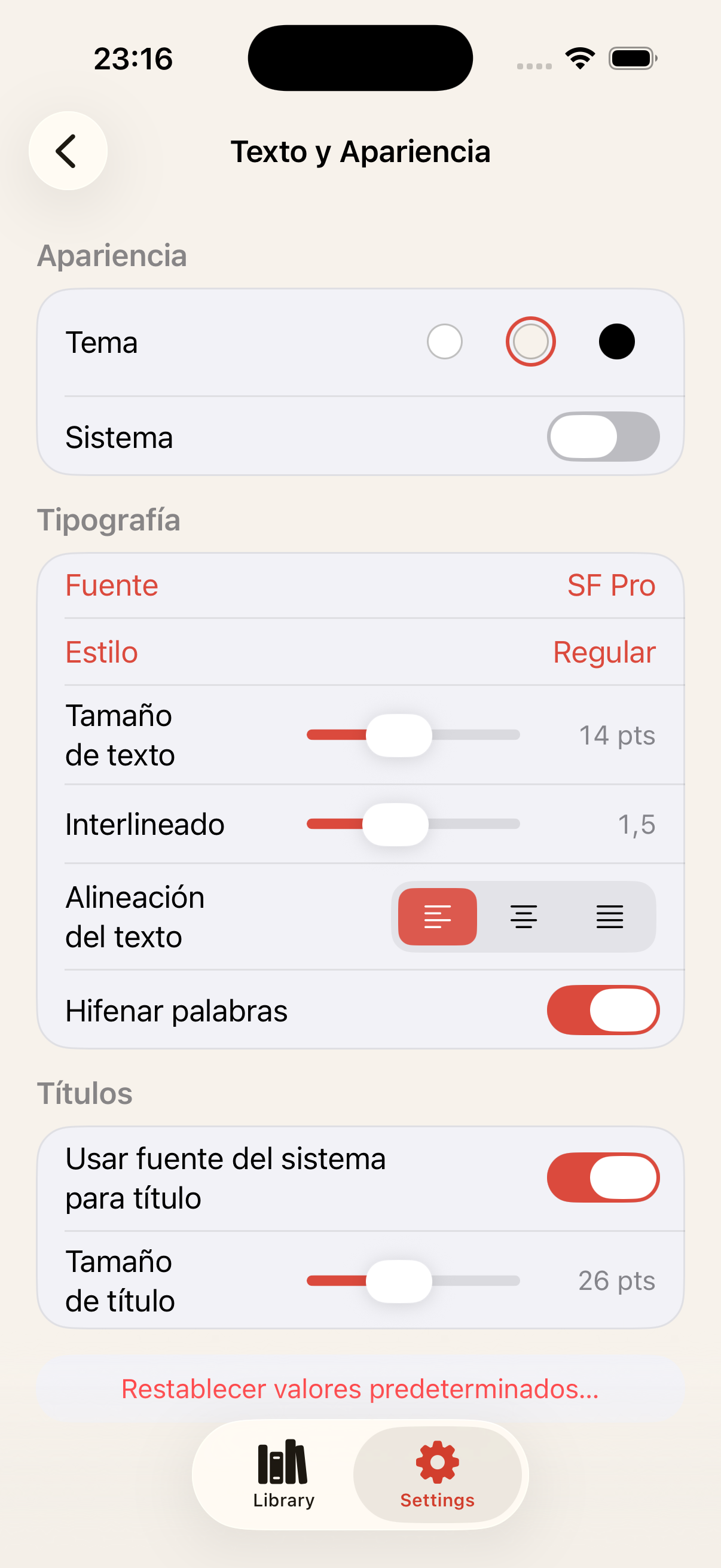
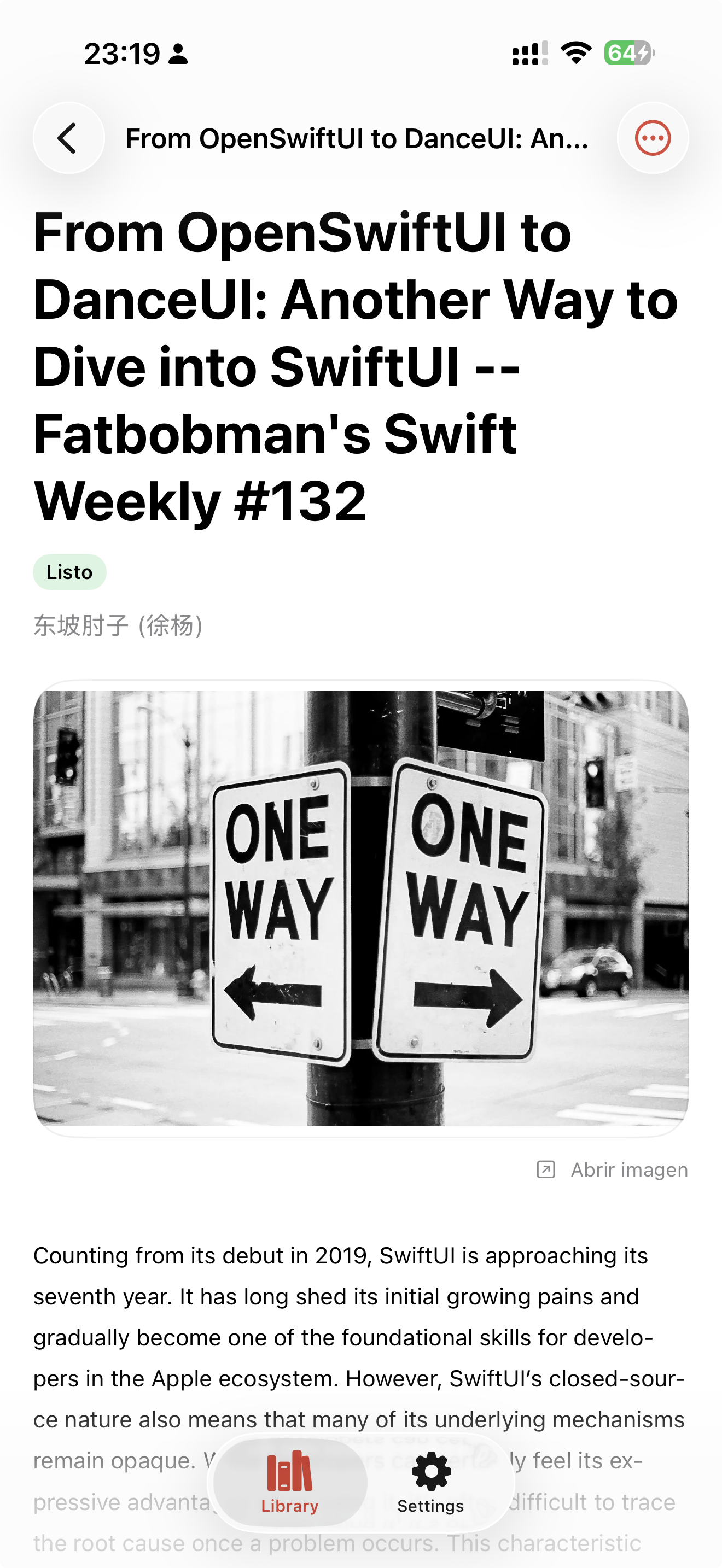
Clean reading mode with light and dark appearance support. Tuned for long-form reading.
Your library stays ready. Archive and read without visual noise.
LaterRead does not create user profiles or sell your data. Translation runs on your device. When you save an article, the app queries the original URL and the extraction backend, which may involve minimal technical metadata required to operate the service.
No sign-up required.
Saving an article queries the source page and the extraction backend.
We do not embed analytics or ad SDKs in the app or on this website.
This app was built in Spain for Spanish speakers who wanted to read English articles without language getting in the way. The website is now available in English as well for readers anywhere.
Download LaterRead and start saving articles in any language on your iPhone, iPad, or Mac.